


What Is the Best AI App? Top Intelligent Apps Compared for Productivity, Creativity, and Everyday Use

Technology has changed how people work, learn, communicate, and solve problems. Today, intelligent applications can help users write content, generate images, organize projects, analyze information, automate repetitive tasks, and even assist with coding. Before comparing different tools, it’s helpful to understand the AI definition and the core concepts behind modern intelligent systems. As the market continues to grow, many users ask the same question: what is the best AI app?
Table Of Content
- Quick Answer
- Key Takeaways
- What Is the Best AI App and What Makes It the Best Choice?
- Key Evaluation Criteria
- What Is the Best AI App? Top Apps Compared
- Is ChatGPT the Best AI App for Most Users?
- Best For
- Gemini
- Best For
- Claude
- Best For
- Copilot
- Best For
- Comparison Table: Top AI Apps
- How to Choose the Best AI App for Your Needs
- Simple Selection Process
- Best AI App Examples in Real-World Use
- Benefits of Using the Best AI App
- Major Advantages
- Risks and Limitations of the Best AI Apps
- Common Challenges
- Common Mistakes When Choosing the Best AI App
- Expert Insights on What Is the Best AI App
- Frequently Asked Questions
- 1. What is the best AI app overall?
- 2. Which app is best for students?
- 3. Which app is best for content creation?
- 4. What is the best AI app for image generation?
- 5. Are these apps free?
- 6. Which AI app works best with Google services?
- 7. Which app is best for Microsoft users?
- 8. Can these tools replace professionals?
- 9. Are they safe to use?
- 10. How do I choose the right AI app?
- Final Verdict
The answer depends on your goals. A student looking for research assistance may need a different solution than a business owner seeking automation or a designer creating visual content. No single application is perfect for everyone because each tool excels in different areas such as writing, productivity, creativity, customer support, or data analysis.
Understanding the strengths and limitations of leading platforms helps users make informed decisions and avoid wasting time on tools that do not fit their needs. Instead of focusing on marketing claims, it is important to evaluate factors such as accuracy, usability, pricing, integrations, privacy, and overall value.
This guide compares the leading intelligent assistant applications available today, explains their ideal use cases, and helps you determine which solution offers the best experience based on your personal or professional requirements.
Quick Answer
If you’re asking what is the best ai app, the answer depends on your needs:
- For general assistance: ChatGPT
- For productivity and workspace integration: Gemini
- For Microsoft ecosystem users: Copilot
- For research and long-form analysis: Claude
- For image creation: Midjourney
- For graphic design: Canva Magic Studio
- For business automation: Zapier AI
For most users, ChatGPT remains the most versatile option because it combines writing, research, brainstorming, coding, image generation, and workflow assistance in a single platform.
Key Takeaways
- The best app depends on your specific goals.
- ChatGPT offers the most balanced overall experience.
- Claude excels at long-form analysis and detailed explanations.
- Gemini integrates deeply with Google services.
- Copilot works well for Microsoft users.
- Midjourney remains a leading choice for image generation.
- Business users should prioritize integrations and automation capabilities.
- Privacy, cost, and usability are as important as features.
What Is the Best AI App and What Makes It the Best Choice?
Choosing the right AI application involves more than selecting the platform with the largest number of features. The best solution should align with your workflow, objectives, and technical requirements. Many users make the mistake of evaluating tools solely based on popularity, but effectiveness depends on how well the platform solves real problems.
A high-quality intelligent assistant should provide accurate responses, intuitive navigation, strong security measures, and reliable performance. Ease of use is especially important because even powerful technology becomes ineffective when users struggle to access its capabilities.
Another critical factor is integration. Modern professionals rely on multiple software platforms every day. Applications that connect seamlessly with email, document management systems, project management platforms, and communication tools often deliver significantly more value.
Cost is another consideration. Free plans may offer enough functionality for casual users, while professionals often benefit from premium subscriptions that unlock advanced capabilities. Evaluating long-term value rather than monthly pricing alone helps users avoid costly mistakes.
Scalability also matters. A solution that works well for individual users may not be suitable for teams or enterprises. Organizations should assess collaboration features, administrative controls, compliance standards, and integration options before making a decision.
The most effective applications combine usability, reliability, flexibility, and performance rather than focusing on a single strength.
Key Evaluation Criteria
When comparing platforms, consider:
- Accuracy of responses
- Speed and performance
- Ease of use
- Data privacy policies
- Integration capabilities
- Pricing structure
- Customization options
- Collaboration features
- Mobile accessibility
- Continuous improvements
Users who evaluate these factors systematically are more likely to find a solution that remains useful over the long term rather than becoming another unused subscription.
What Is the Best AI App? Top Apps Compared
The market includes dozens of strong contenders, but several platforms consistently rank among the most useful options for consumers and businesses. Each has unique strengths that make it suitable for specific tasks.
Is ChatGPT the Best AI App for Most Users?
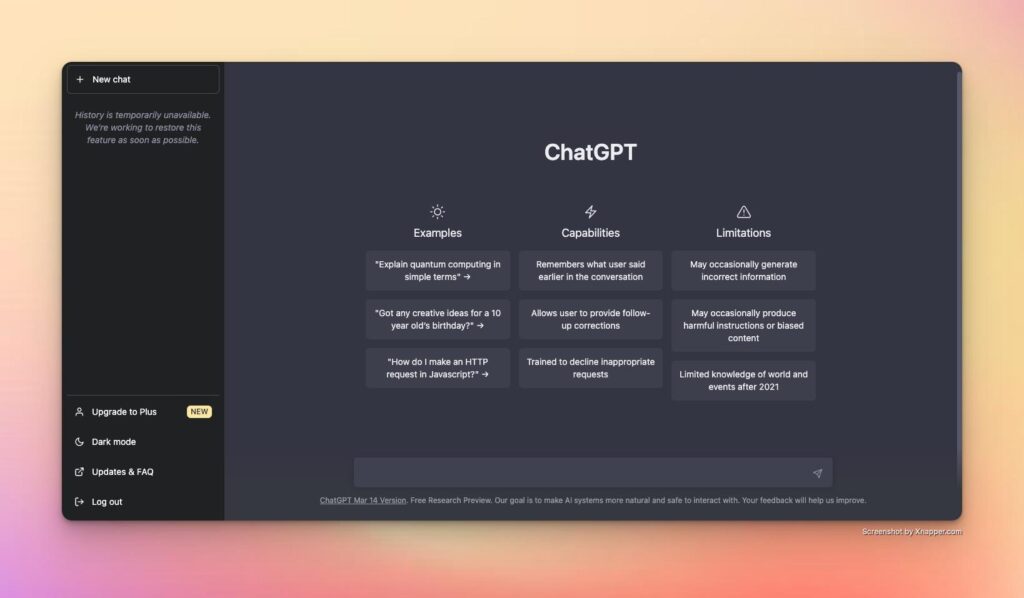
Its ability to understand context and provide detailed explanations helps users complete complex tasks more efficiently. Frequent updates and a growing ecosystem of tools further strengthen its position. If you’re curious about the technology behind ChatGPT, read our detailed guide on is chatgpt generative ai.
Best For
- Content creation
- Research assistance
- Coding support
- Learning new skills
- Productivity workflows
Gemini
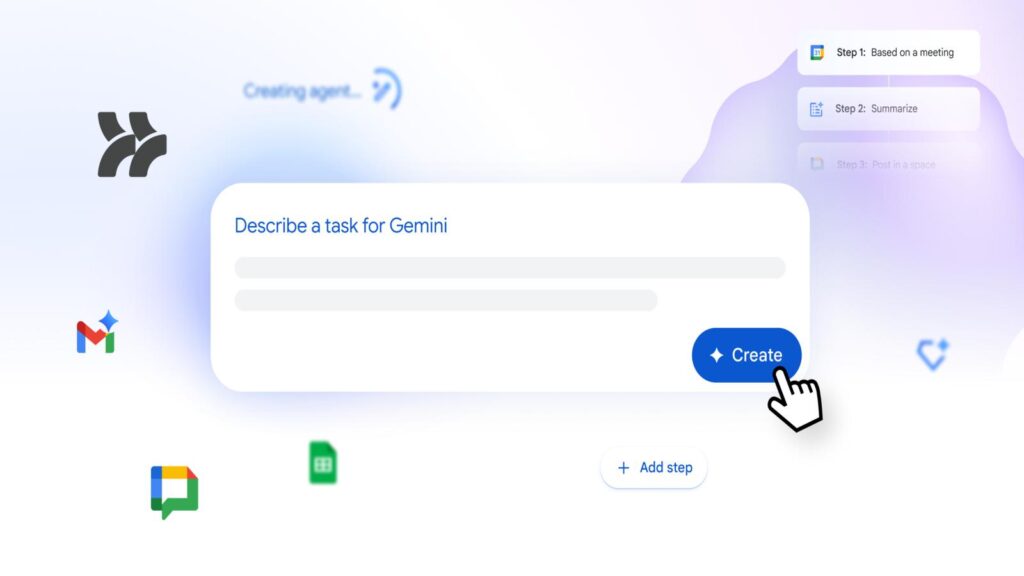
Gemini stands out because of its integration with Google’s ecosystem. Users can connect workflows across documents, spreadsheets, email, and cloud storage services. For professionals who already rely heavily on Google Workspace, Gemini can streamline daily tasks and improve productivity without requiring major workflow changes.
Best For
- Google Workspace users
- Business productivity
- Research workflows
- Document creation
Claude
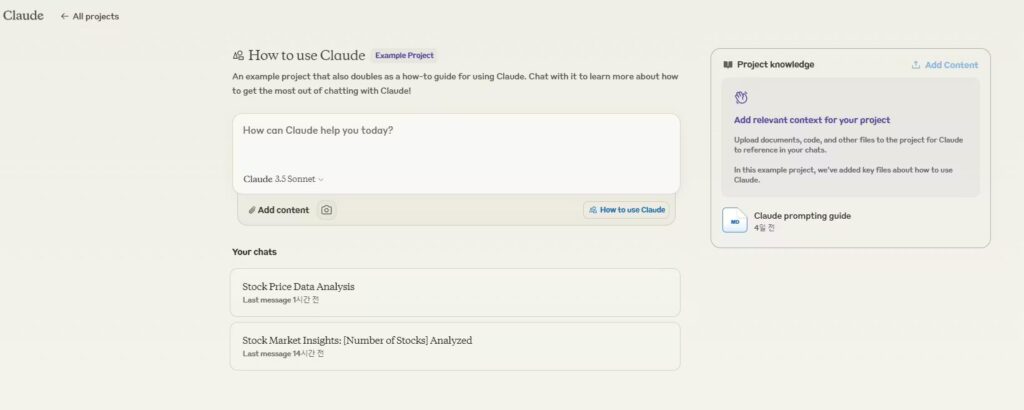
Claude has developed a reputation for thoughtful, detailed, and context-aware responses. It performs particularly well when handling lengthy documents, extensive research materials, and nuanced analysis.
Many professionals prefer Claude for strategic planning, content review, and document interpretation because of its ability to maintain coherence across large amounts of information.
Best For
- Research projects
- Long-form writing
- Strategy development
- Document analysis
Copilot
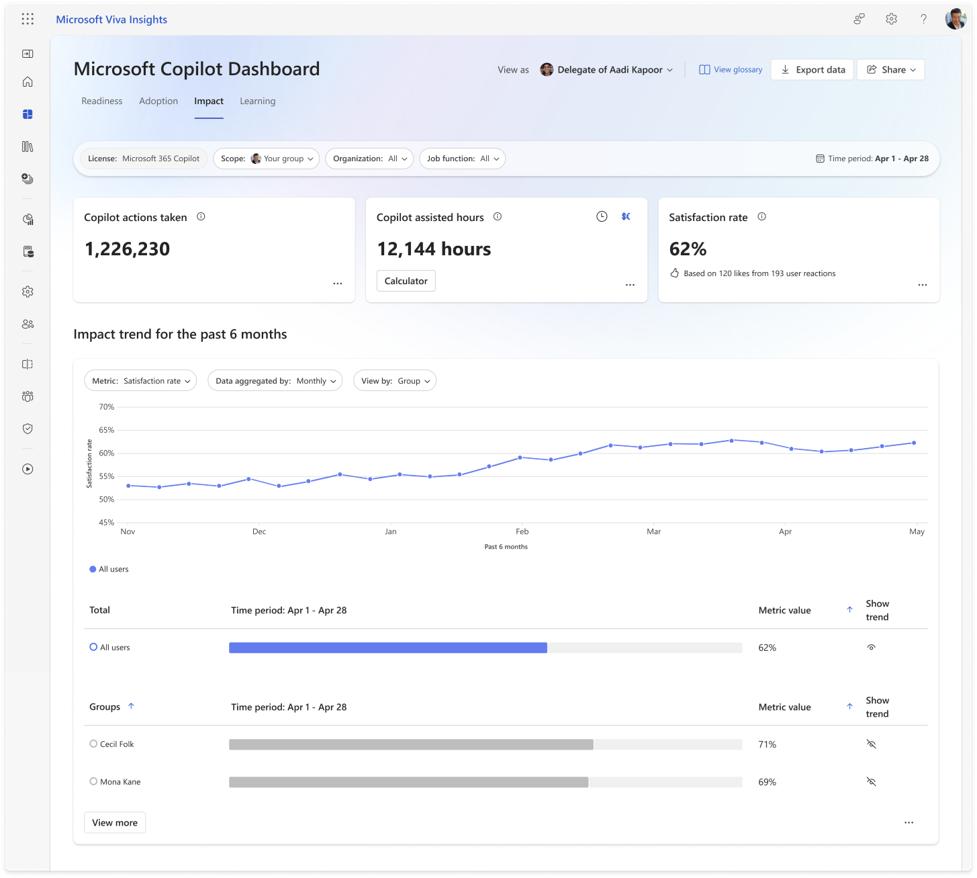
Copilot integrates deeply with Microsoft products, making it attractive for organizations that use Microsoft 365. Users can automate tasks within Word, Excel, PowerPoint, Outlook, and Teams.
Businesses often find significant productivity gains when employees can generate reports, summarize meetings, and automate repetitive workflows directly within familiar software environments.
Best For
- Microsoft users
- Enterprise environments
- Productivity enhancement
- Data analysis
Comparison Table: Top AI Apps
| App | Best Use Case | Free Plan | Integrations | Learning Curve |
|---|---|---|---|---|
| ChatGPT | General-purpose assistance | Yes | Excellent | Easy |
| Gemini | Google productivity | Yes | Excellent | Easy |
| Claude | Research and analysis | Yes | Good | Easy |
| Copilot | Microsoft workflows | Limited | Excellent | Moderate |
| Midjourney | Image creation | No | Limited | Moderate |
| Canva Magic Studio | Graphic design | Yes | Good | Easy |
How to Choose the Best AI App for Your Needs
Selecting the ideal solution begins with understanding your primary objectives. Many users install multiple applications before realizing that one platform could handle most of their daily tasks.
Start by identifying your most frequent activities. If you’re new to intelligent assistant tools, our guide on how do i use ai explains practical ways beginners can start using these technologies effectively. Writers often prioritize content creation capabilities, while designers focus on image generation and creative workflows. Business professionals may value automation and software integrations more than creative features.
Budget also influences the decision-making process. Free versions are suitable for experimentation, but advanced users frequently benefit from paid subscriptions that provide enhanced functionality and priority access.
Privacy considerations should not be overlooked. Organizations handling sensitive information should carefully review data policies and compliance standards before adopting any platform.
Simple Selection Process
Follow these steps:
- Define your primary goal.
- List essential features.
- Compare pricing options.
- Test free versions.
- Evaluate integrations.
- Assess performance.
- Review privacy policies.
- Choose the best long-term fit.
This structured approach helps users avoid feature overload and focus on practical value.
Best AI App Examples in Real-World Use
Real-world applications demonstrate how these tools create measurable benefits across different industries.
A freelance writer may use ChatGPT to generate outlines, improve article structure, and brainstorm content ideas. This can significantly reduce research and drafting time. Writers can also learn how to get ai write like a human to create more natural, engaging, and reader-friendly content.
A marketing team might rely on Canva Magic Studio to create social media graphics, promotional materials, and campaign assets more efficiently than traditional design workflows.
An analyst reviewing hundreds of pages of documentation may use Claude to summarize information and identify key insights faster than manual review.

A project manager working within Microsoft 365 could use Copilot to draft reports, summarize meetings, and organize action items across multiple departments.
Students also benefit by using these tools for learning support, concept explanations, and study assistance. Rather than replacing learning, they often serve as interactive educational companions.
These examples highlight why there is no universally perfect solution. The best choice depends on the specific problem being solved.
Benefits of Using the Best AI App
These platforms provide advantages that extend beyond simple automation. Their value comes from helping users work more efficiently while improving decision-making and creativity.
One major benefit is time savings. Tasks that previously required hours can often be completed in minutes with the right guidance and automation.
Improved productivity is another advantage. Users can focus on high-value activities while delegating repetitive processes to technology. This creates opportunities for innovation and strategic thinking.
Accessibility also plays an important role. Individuals without specialized technical skills can perform tasks that once required extensive training.
Major Advantages
- Faster task completion
- Improved productivity
- Enhanced creativity
- Better organization
- Reduced repetitive work
- Increased accessibility
- Stronger decision-making support
- Continuous availability
When used effectively, these tools can become valuable productivity partners rather than simple software applications.
Risks and Limitations of the Best AI Apps
Despite their strengths, these platforms are not perfect. Users should understand potential limitations before relying heavily on automated outputs.
Accuracy remains one of the most important concerns. Responses can occasionally contain incorrect, outdated, or misleading information. Verification is essential, especially when dealing with financial, legal, medical, or business decisions.
Privacy is another consideration. Users should understand how their information is stored and processed before sharing sensitive data.

Overreliance can also become problematic. While these tools improve efficiency, critical thinking and human judgment remain necessary for quality decision-making.
Common Challenges
- Occasional inaccuracies
- Privacy concerns
- Subscription costs
- Limited real-world understanding
- Potential bias in outputs
- Dependence on internet access
Recognizing these limitations helps users maximize benefits while minimizing potential risks.
Common Mistakes When Choosing the Best AI App
Many users fail to achieve the best results because they use these tools inefficiently. One common mistake is providing vague instructions. Detailed prompts generally produce more accurate and useful responses.
Another mistake is assuming outputs are always correct. Verification remains essential, particularly when accuracy is critical.
Users also frequently switch between platforms too quickly without fully exploring available features. Learning how to use one solution effectively often produces better results than constantly chasing new alternatives.
Additional mistakes include ignoring privacy settings, neglecting integrations, and choosing tools based solely on popularity rather than practical requirements.
Avoiding these errors can significantly improve the overall experience and return on investment.
Expert Insights on What Is the Best AI App
Industry experts increasingly view intelligent assistants as productivity amplifiers rather than replacements for human expertise. The most successful users combine technological capabilities with professional judgment, domain knowledge, and critical thinking.
Research across multiple industries shows that individuals who learn effective prompting techniques often achieve dramatically better outcomes than casual users. Understanding how to provide context, define objectives, and refine outputs is becoming an increasingly valuable skill.
Experts also recommend focusing on workflow integration rather than individual features. A platform that fits naturally into existing processes typically delivers greater long-term value than one with impressive capabilities that remain underutilized.
The future of these tools will likely involve deeper personalization, stronger automation, improved multimodal capabilities, and tighter integration with business systems. Users who develop practical experience today will be better positioned to benefit from future advancements.
Frequently Asked Questions
1. What is the best AI app overall?
For most users, ChatGPT offers the best balance of versatility, ease of use, and functionality.
2. Which app is best for students?
ChatGPT, Gemini, and Claude are popular choices for research, learning, and study support.
3. Which app is best for content creation?
ChatGPT and Claude are among the strongest options for writing and content development.
4. What is the best AI app for image generation?
Midjourney is widely regarded as one of the leading image-generation platforms.
5. Are these apps free?
Most platforms offer free plans, although advanced features often require paid subscriptions.
6. Which AI app works best with Google services?
Gemini integrates most closely with Google Workspace products.
7. Which app is best for Microsoft users?
Copilot is generally the strongest choice for Microsoft 365 environments.
8. Can these tools replace professionals?
No. They improve productivity but still require human oversight and expertise.
9. Are they safe to use?
Generally yes, but users should avoid sharing confidential or sensitive information.
10. How do I choose the right AI app?
Identify your goals, compare features, test available options, and evaluate long-term value.
Final Verdict
When people ask what is the best AI app, they are often looking for a single winner. In reality, the best choice depends on individual needs, workflows, and objectives.
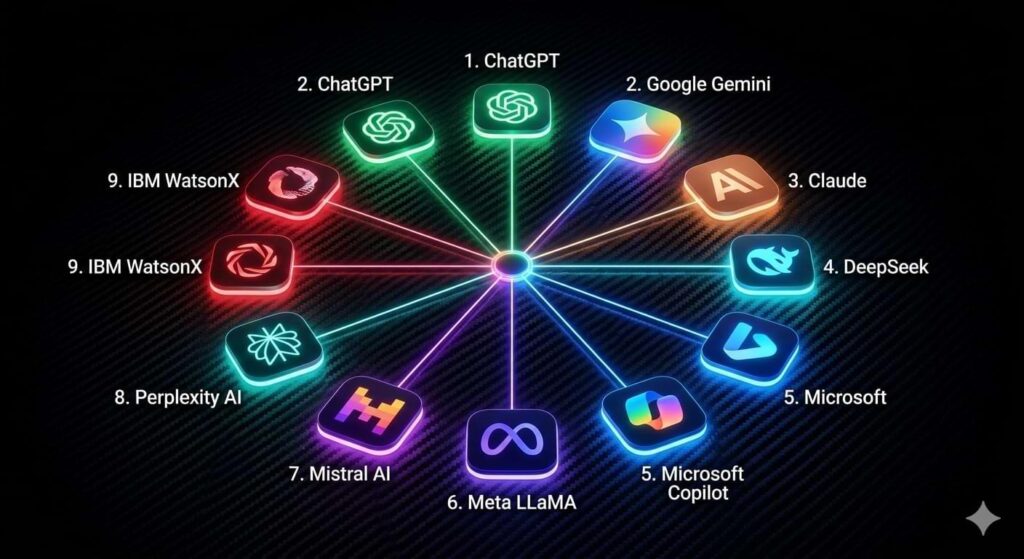
For overall versatility, ChatGPT remains the strongest all-around option. Gemini is excellent for Google users, Claude excels at deep analysis, Copilot shines within Microsoft environments, and Midjourney leads in image generation.
Rather than chasing the newest platform, focus on selecting a solution that aligns with your daily tasks, productivity goals, budget, and preferred ecosystem.
The most valuable app is the one that consistently helps you work smarter, learn faster, and achieve better results.